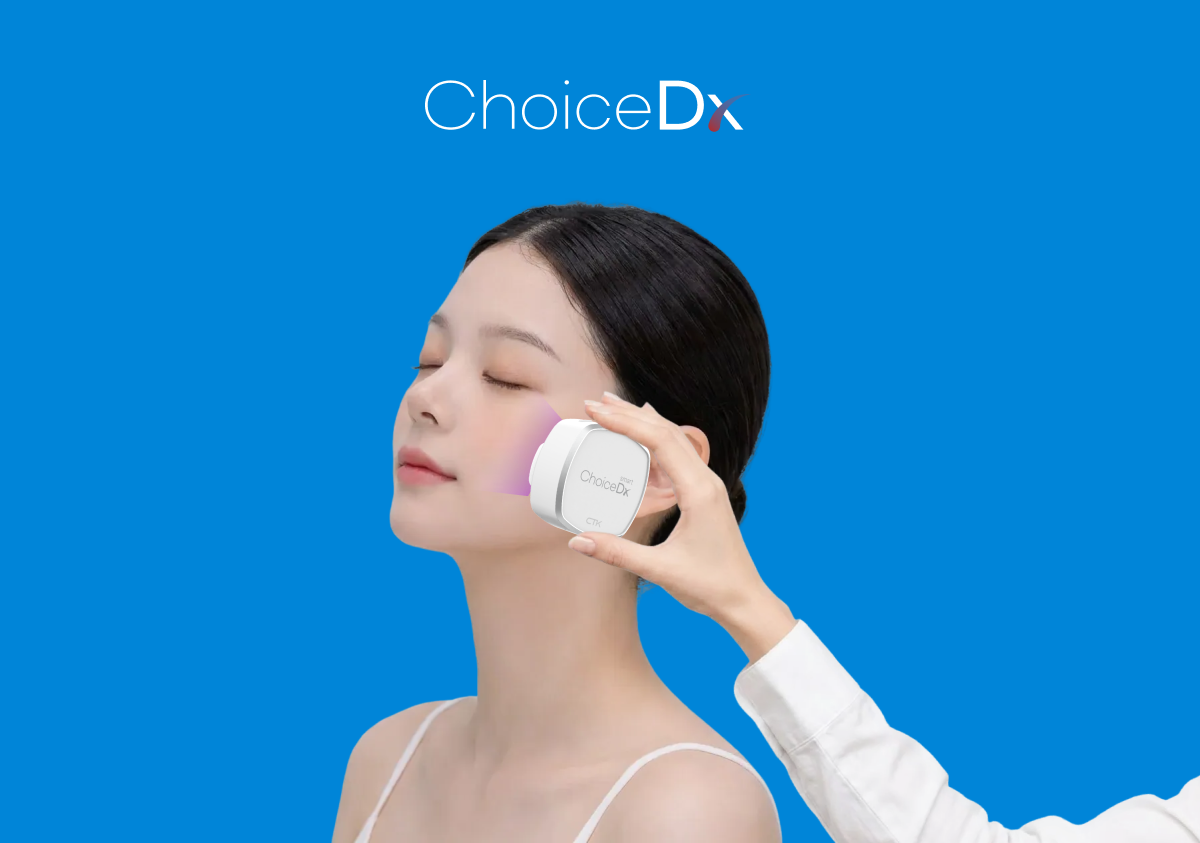
What Is The Skin Scan You See At Olive Young?
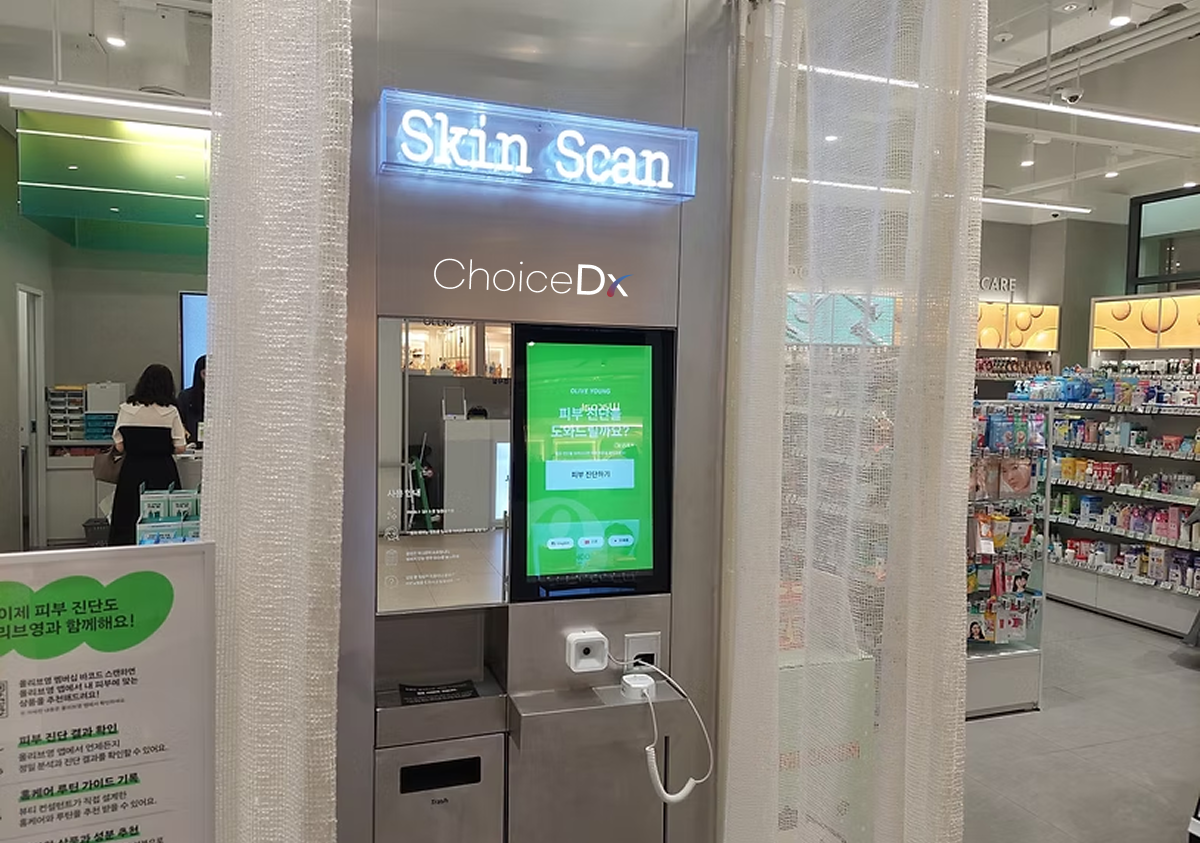
Many customers notice a Skin Scan zone at Olive Young and wonder what the system does, where the results can be checked, and whether scalp status can also be reviewed.
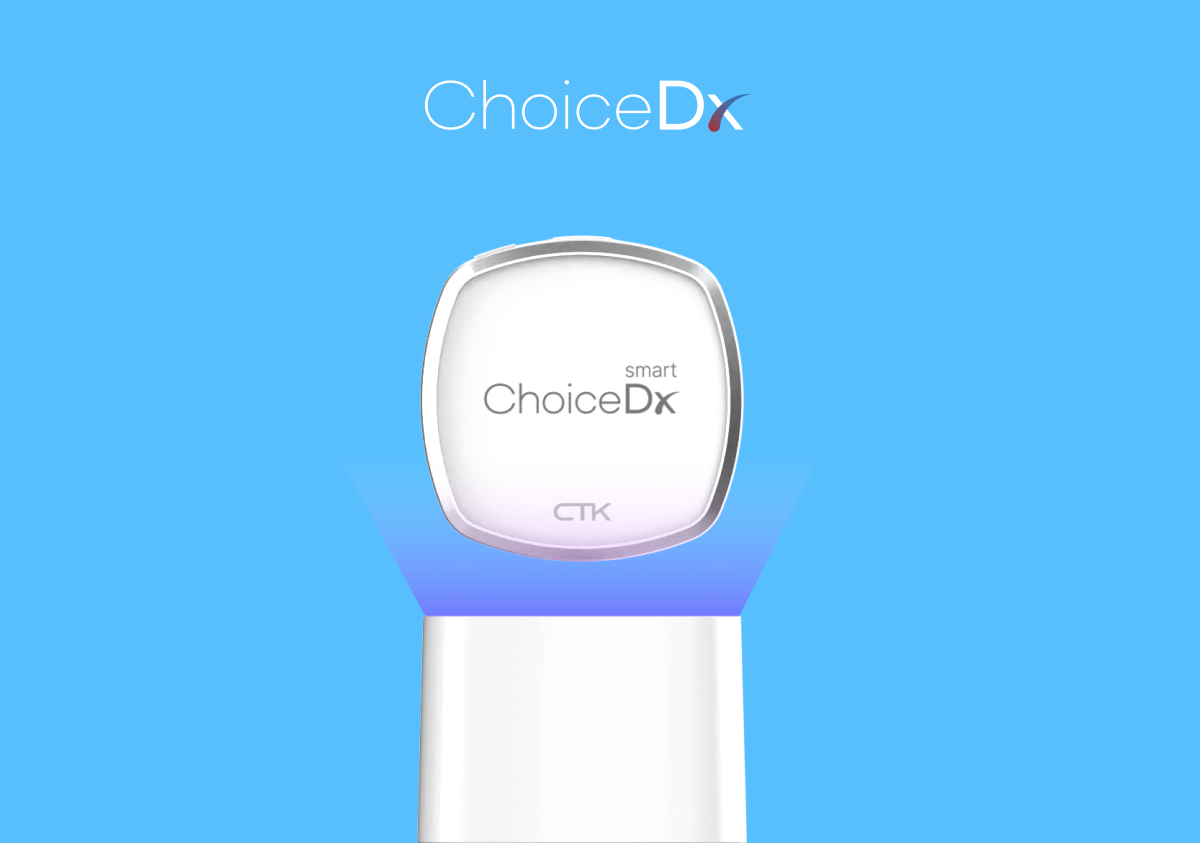
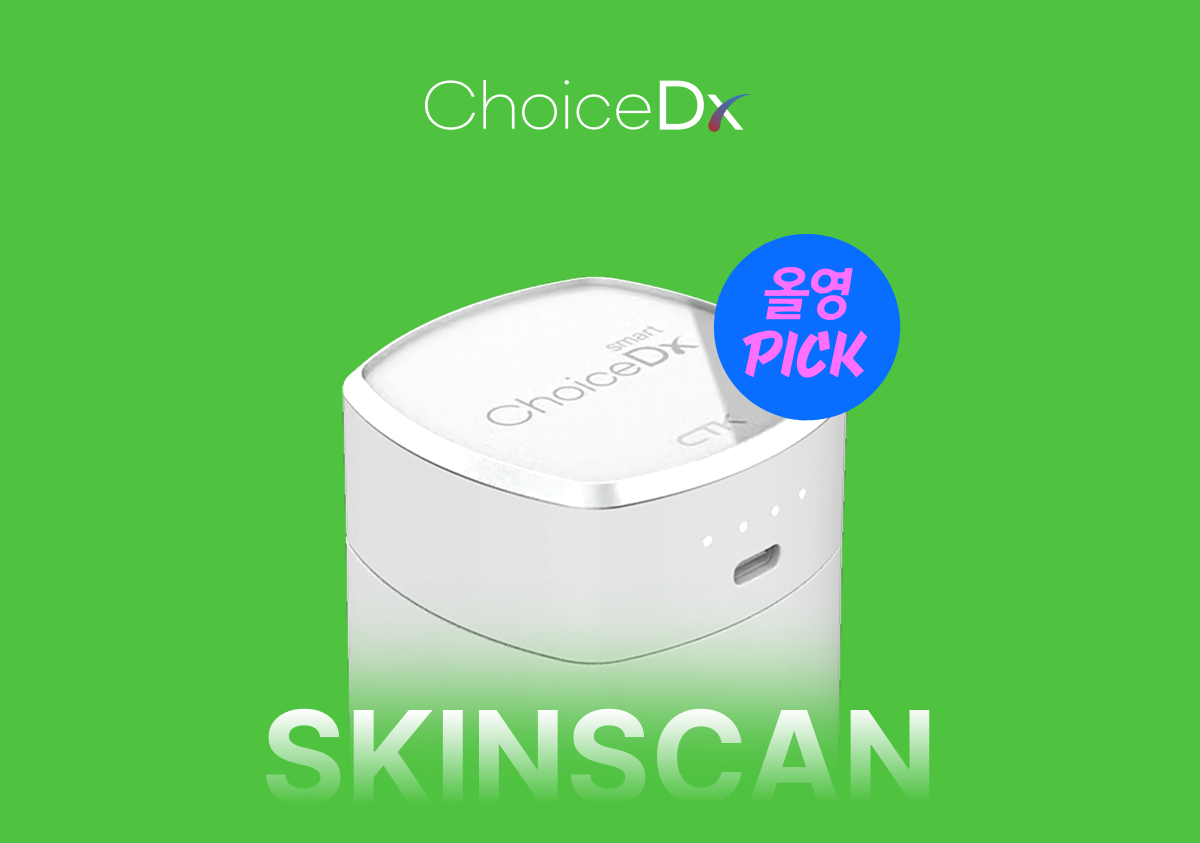
ChoiceDx is an AI diagnostic system brand that supports capture, analysis, result review, and consultation for skin, scalp, and hair-related experiences. Olive Young Skin Scan is one of its representative retail applications.
This article goes beyond store location or free-use information and explains how to use the system, how to read results, and how to connect the results to product discovery and consultation.
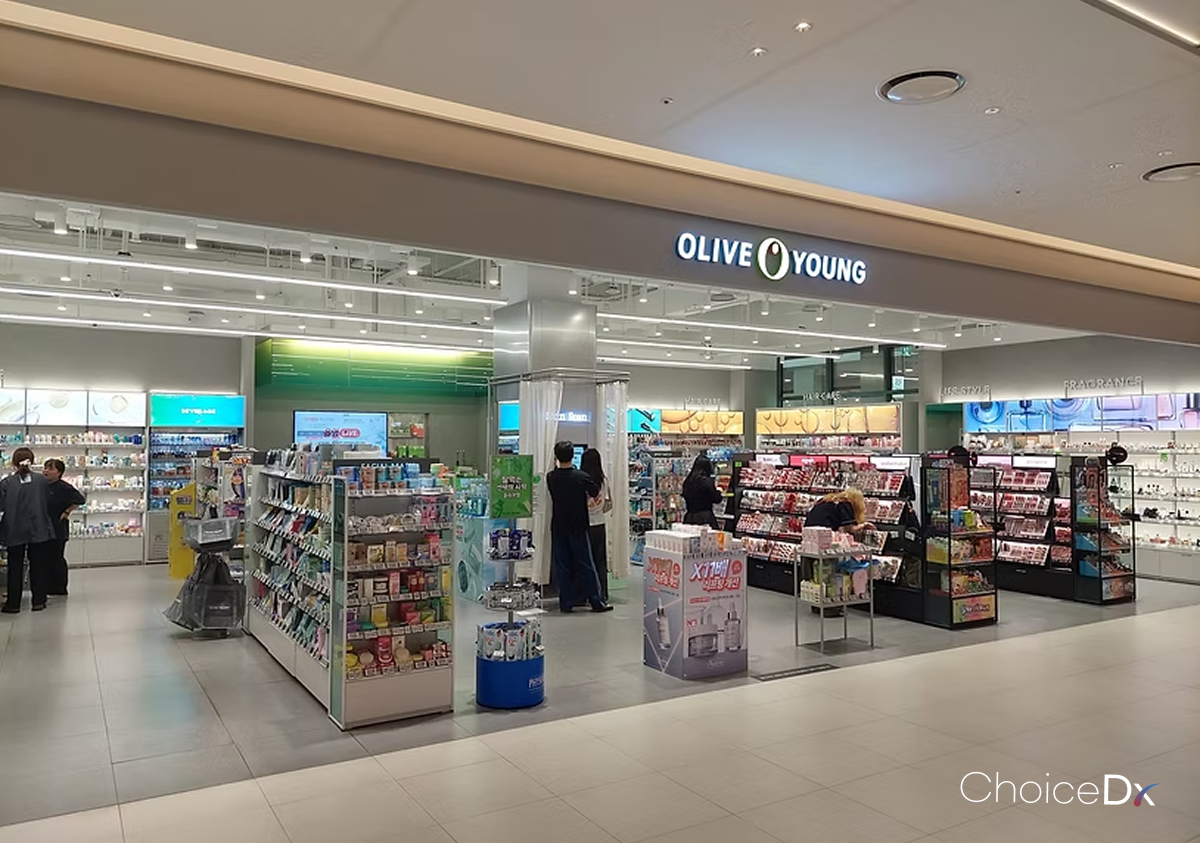
What Exactly Is ChoiceDx?
ChoiceDx is closer to an AI diagnostic system brand than a single standalone device. It brings together diagnostic hardware, analysis software, and result guidance experience.
The system is designed to connect capture, analysis, result review, consultation, and product exploration into one flow. It is therefore better understood as diagnostic infrastructure for retail consultation, not just a camera device.
Olive Young Skin Scan is a retail example of how this ChoiceDx experience can be used inside an offline beauty store.
How Do You Use Olive Young Skin Scan?
The exact flow may vary by store, but it can generally be understood as finding the Skin Scan zone, selecting a language or diagnosis menu, choosing skin or scalp measurement, following the capture guide, checking AI analysis results, and using the results for consultation or product exploration.
Some stores may support multilingual guidance such as Korean, English, Chinese, and Japanese. Free use, reservation policy, sample availability, and operating hours can vary by store, so the in-store guide should be treated as the most accurate source.
- Find the Skin Scan zone
- Select language or diagnosis menu
- Choose skin or scalp measurement
- Follow the screen guide for capture
- Check AI analysis results
- Use results for consultation or product exploration
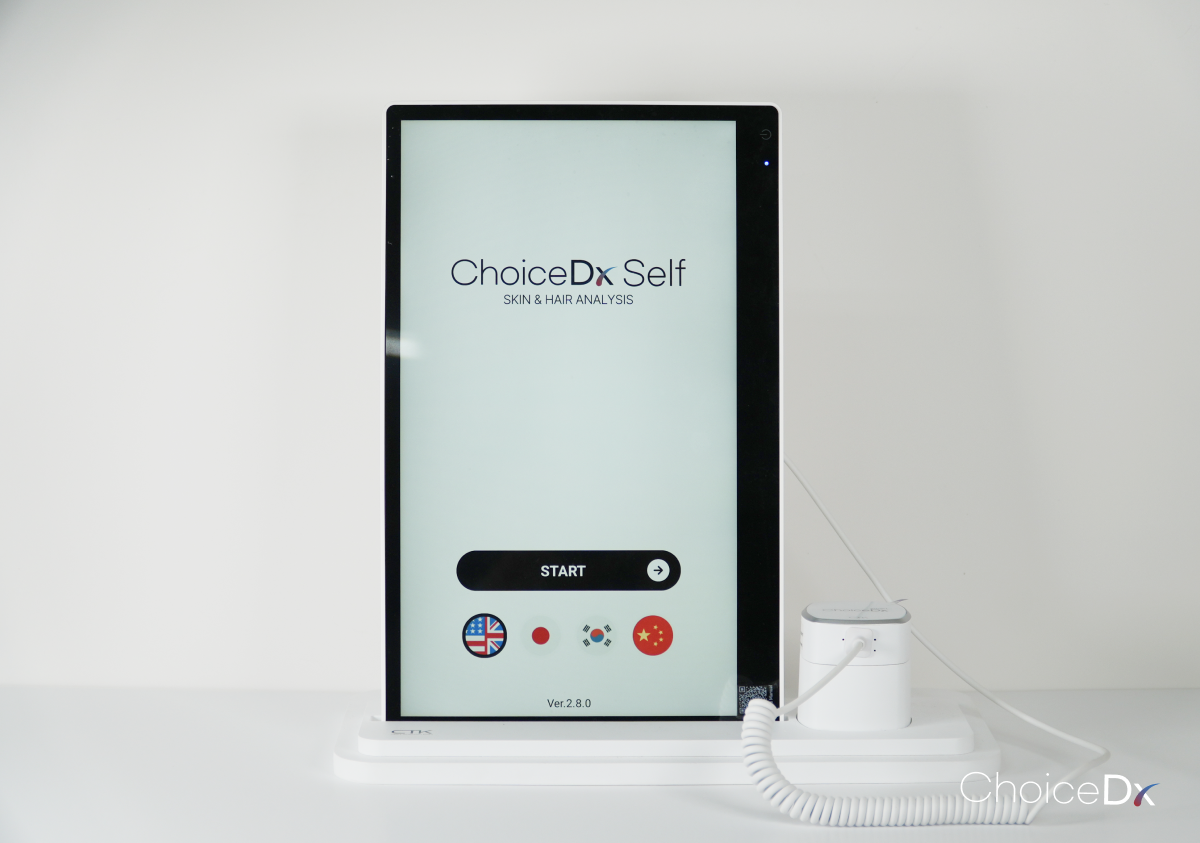
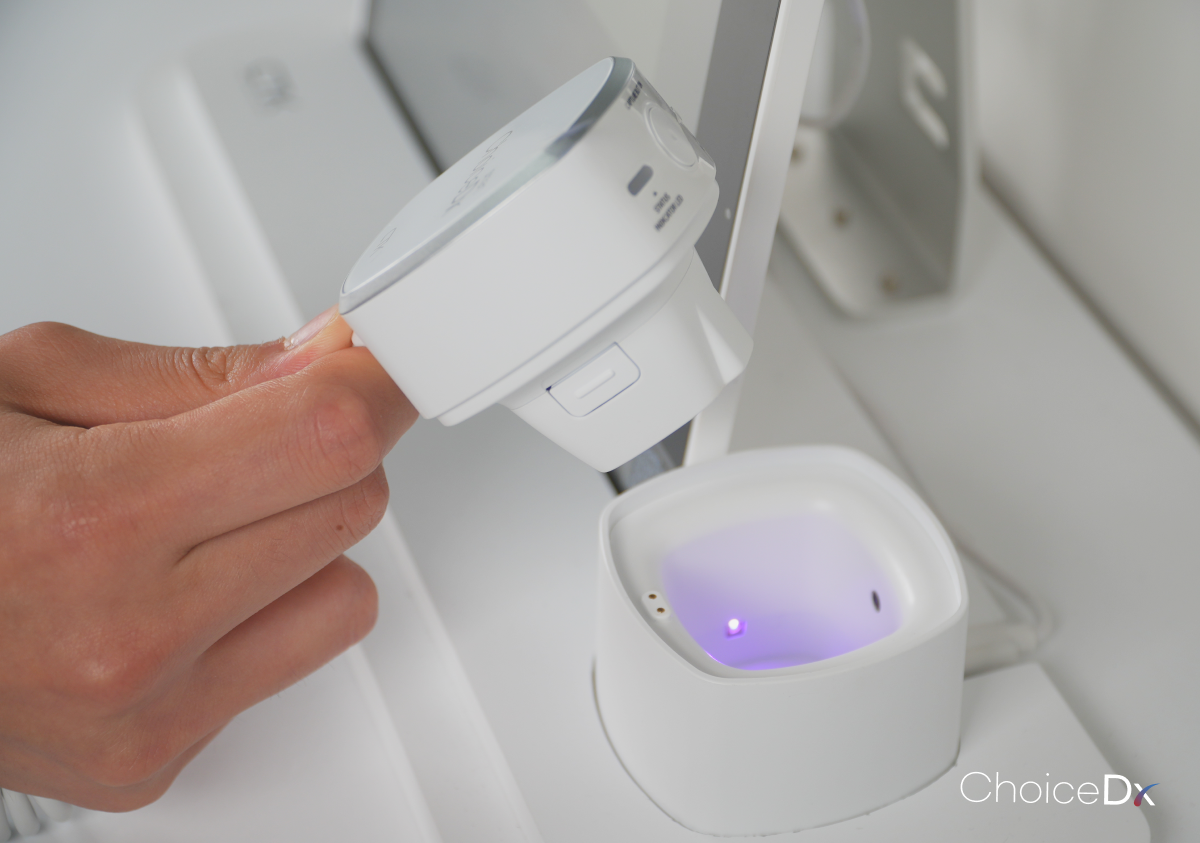
What Can Olive Young Skin Scan Show?
Olive Young Skin Scan captures skin or scalp images and helps customers understand their current status through image-based analysis.
Skin diagnosis can help review surface-related conditions, while scalp diagnosis can help customers look at areas that are difficult to check visually.
Available analysis items may vary depending on the store and operating environment. Always follow the actual items shown on the screen.
How Should You Read Olive Young Skin Scan Results?
Do not judge the results by one number alone. Read the explanatory text and priority care items shown on the result screen together.
Start by checking which items need relatively more attention. If colors, grades, and descriptions are provided, read the written explanation as well.
Skin type is a relatively stable characteristic, while skin condition can change with season, sleep, environment, and lifestyle. Repeated measurements under similar conditions can be more useful than a single result.
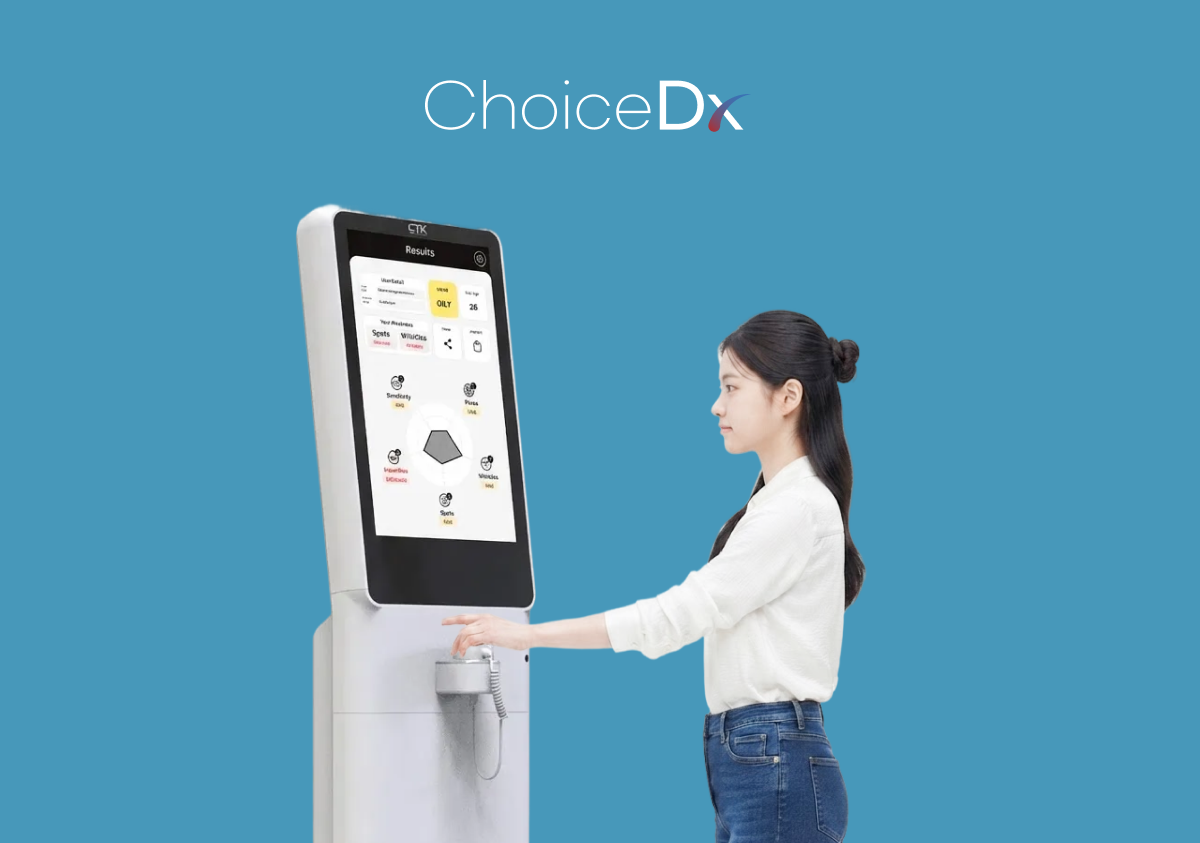
How Can Results Help Product Selection?
Skin Scan results should not be treated as an absolute purchasing rule. They are a reference for understanding current concerns and deciding which care direction to explore first.
A helpful flow is to check the result, identify priority concerns, explore product categories, compare ingredients and texture, consult staff, and review the routine again later.
Showing the result screen during store consultation can help staff understand the customer's concern faster and explain options more clearly.
| Step | How To Use It |
|---|---|
| Review results | Check current skin or scalp status and priority concerns |
| Explore categories | Look for hydration, soothing, scalp care, or other relevant categories |
| Compare | Compare ingredients, texture, format, and price range |
| Consult | Use the result screen as a consultation reference |
| Recheck | Measure again later under similar conditions |
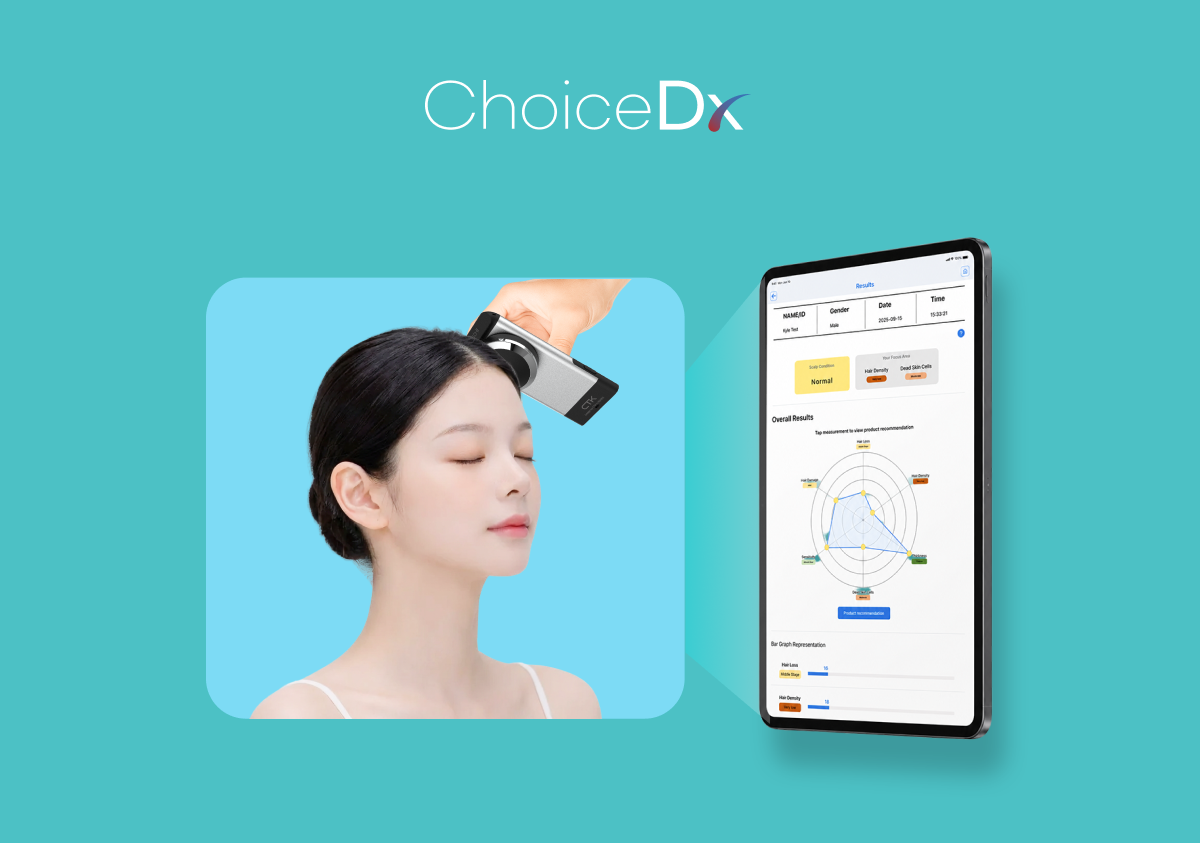
Can It Check Scalp As Well As Skin?
Some Olive Young Skin Scan zones may support both skin and scalp status checks.
Scalp diagnosis can help customers review captured areas that are difficult to see with the naked eye. The results can be used as a reference when exploring shampoo, scalp care, or hair products.
Availability may vary by store, so check the in-store screen or staff guidance.
Is The Olive Young App Scan The Same As The Store Device?
App-based or online self-check experiences and in-store Skin Scan devices may differ in input method, environment, and result usage.
Features can change by time and service policy, so the actual Olive Young app and store guidance should be used as the most accurate source.
| Type | App Or Online Self Check | In-Store Skin Scan Device |
|---|---|---|
| Input | Survey, self capture, etc. | Dedicated device or store capture environment |
| Place | Mobile or online | Olive Young Skin Scan zone |
| Use | Simple self review | Store consultation and product exploration reference |
| Feature | High accessibility | Connected to in-store experience and consultation |
Tips For More Stable Measurement
Follow the screen guide and align the face or scalp position as instructed.
Avoid covering the measurement area with glasses, bangs, or hands, and minimize movement during capture.
Results can vary with daily skin and scalp condition and environment. Use them as reference information for status review, consultation, and product discovery, not as medical diagnosis.
Why Are Skin Scan Zones Expanding In Beauty Retail?
Beauty retail stores are shifting from product display spaces to experience spaces where customers can understand their own status.
A Skin Scan zone can reshape the customer journey into product browsing, status check, result understanding, consultation, and product exploration.
It can move shopping from intuition-based selection to data-informed exploration and can make stores more accessible for global customers through multilingual self-guided environments.
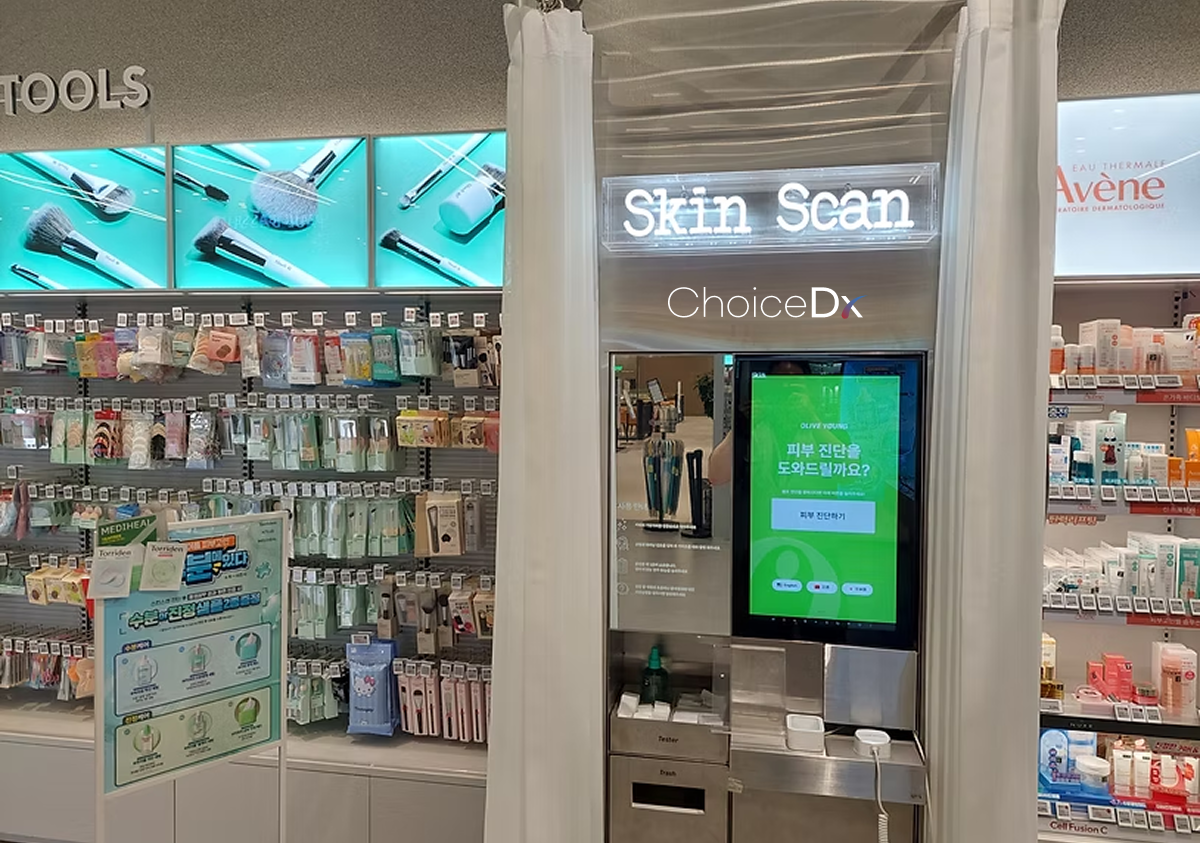
Is ChoiceDx Used Only At Olive Young?
ChoiceDx is not limited to Olive Young. Olive Young is a representative retail application, while the system can be configured differently depending on the purpose and space.
Potential spaces include beauty retail stores, brand experience spaces, hospitals and clinics, skin and scalp consultation spaces, hair salons, global retail stores, and self-diagnosis kiosk environments.
Actual implementation can vary depending on operational goals, space layout, and consultation workflow.
Conclusion
ChoiceDx is not simply about checking a skin score. It helps customers understand skin and scalp status and create a reference point for product selection and consultation.
When used as a flow of measurement, result review, concern understanding, consultation, product exploration, and change comparison, Olive Young Skin Scan can become a practical reference for care decisions.
For B2B teams, AI skin and scalp diagnosis systems can be connected to consultation, product recommendation, and customer management in beauty retail, brand experience spaces, clinics, hair salons, and global stores.
FAQ
Is Olive Young Skin Scan free?
It can vary by store policy. Check the in-store guide for the most accurate information.
Do I need a reservation?
Many locations may allow on-site use, but operation can differ by store.
How long does it take?
It can be completed in a short time, but timing varies by selected items and store environment.
Can it measure both skin and scalp?
Some stores may support both. Available items can vary by store.
Can I use it with makeup on?
Follow the in-store guide. In general, it helps not to cover the measurement area.
Is Skin Scan the same as medical diagnosis?
No. AI skin and scalp analysis results are reference information for status review, consultation, and product exploration.
Can I receive samples at every store?
Sample availability can vary by promotion, stock, and store operation.
Can foreign customers use it?
Some stores may provide multilingual guidance. Check the actual supported languages on the screen.
Where can I find nearby Olive Young Skin Scan stores?
Use official store information or store-specific content when available.
Where can B2B teams ask about ChoiceDx adoption?
Use the official ChoiceDx or ChoiceTechKorea inquiry channel.